
Make a picture transparent or a watermark
You can fade a picture so the page shows through it, or wash it out so text reads clearly on top. Put a washed-out picture on a master page and it becomes a watermark behind every page.
Make a picture transparent
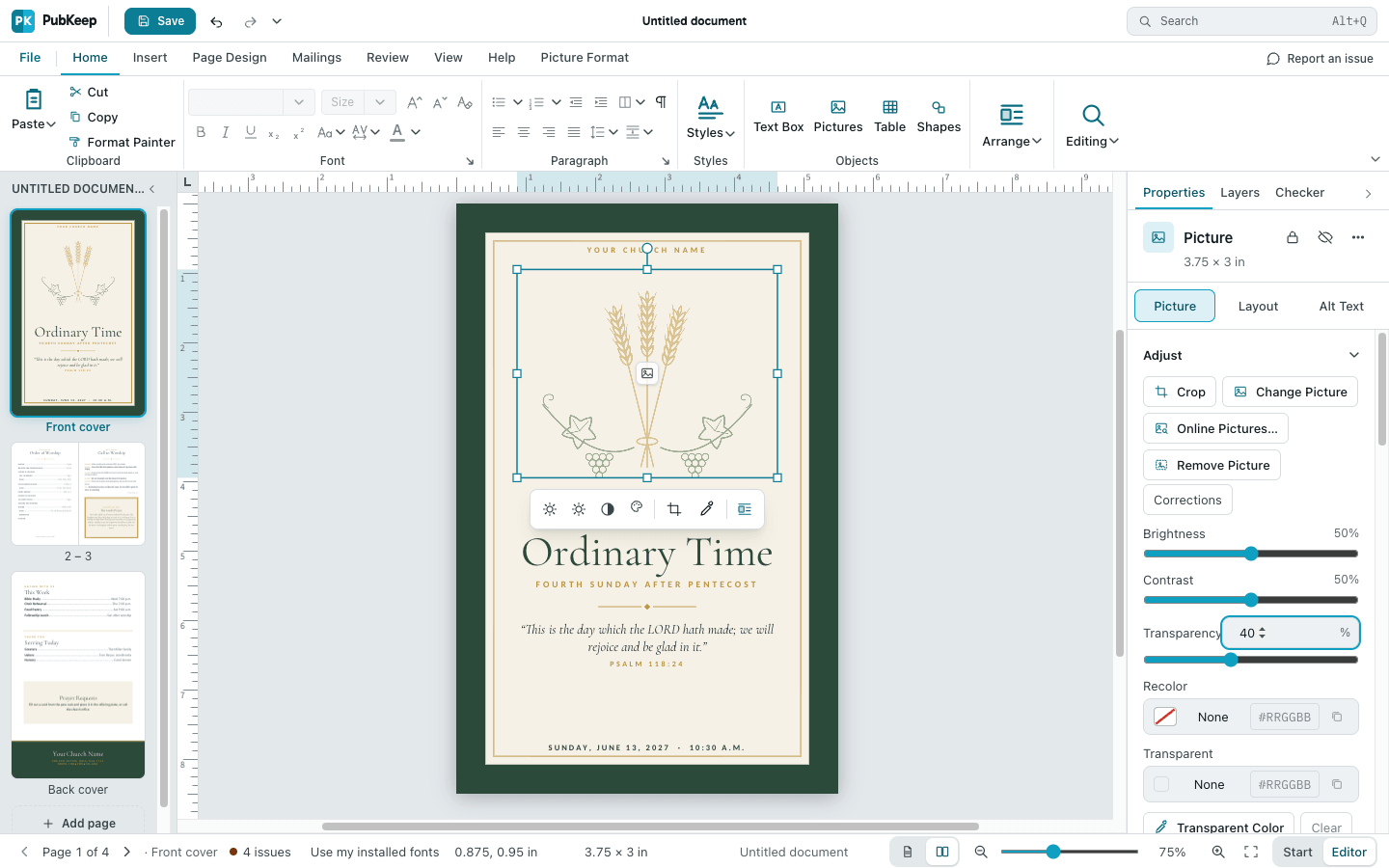
Section titled “Make a picture transparent”- Click the picture to select it.
- In the Properties pane, click Picture. The Adjust section is at the top.
- Drag the Transparency slider, or type a percent in the box next to it. 0% is solid and 100% is invisible.
Wash out a picture
Section titled “Wash out a picture”Washout makes a picture much lighter and softer, the way Publisher’s Washout does. It doesn’t make the picture see-through.
- Click the picture to select it.
- Click the Picture Format tab, then click Recolor.
- Click Washout.
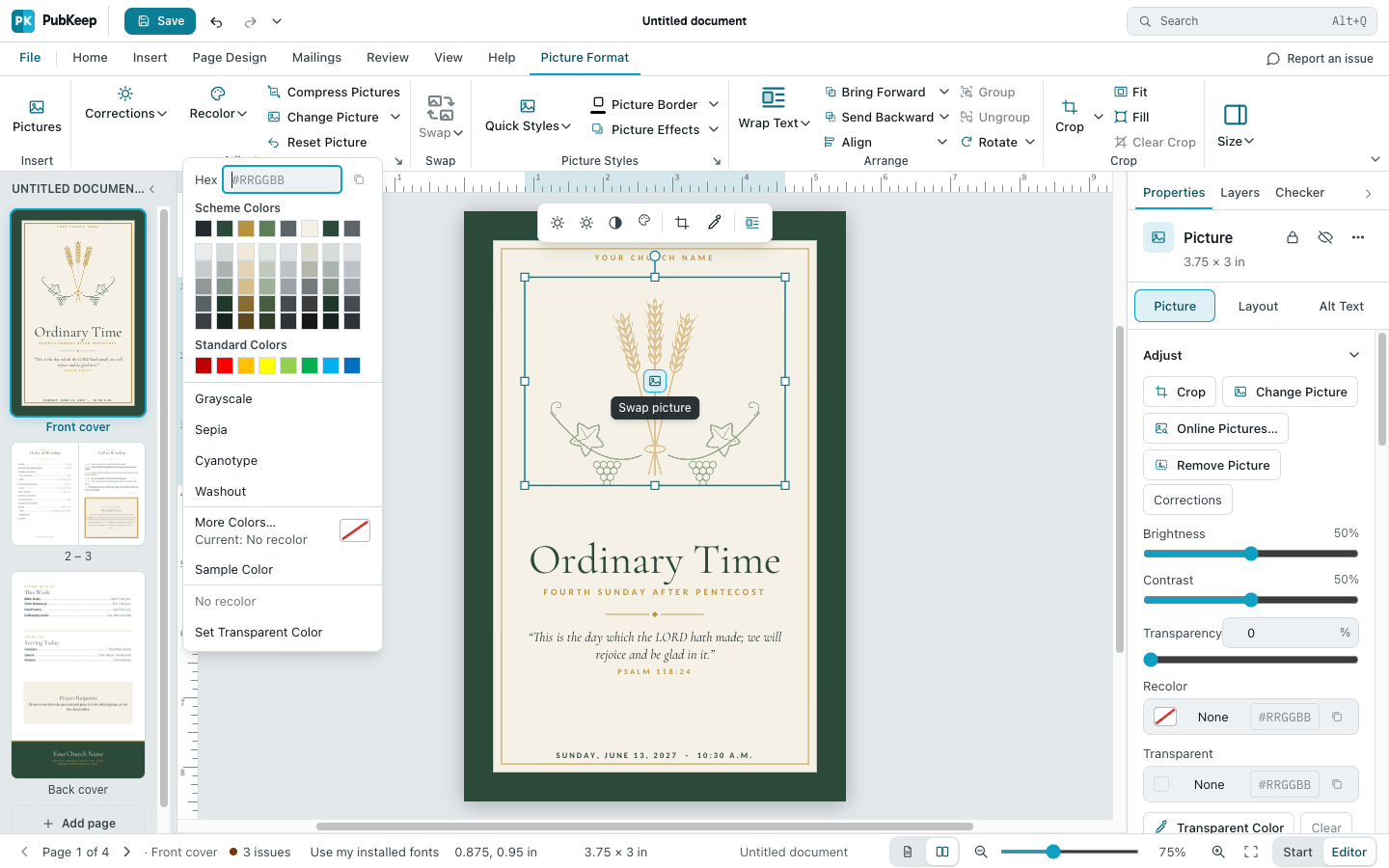
You can also click Washout in the Properties pane, below Recolor in the Adjust section.
To undo it, click Recolor, then No recolor. Reset Picture also puts the picture back the way it was.
Put a watermark on every page
Section titled “Put a watermark on every page”A master page holds what repeats on every page. Anything on it sits behind the text and pictures on your pages.
- On the View tab, click Add Master Page, then click OK. The new master page opens.
- Add the picture. Click the Insert tab, then Pictures, or paste a picture you copied.
- Move and size it where you want it, then wash it out or make it transparent as shown above.
- Click the Master Page tab, then Close Master Page.
- On the Page Design tab, click Master Pages, then Apply Master Page…. Under Apply to:, choose All pages, then click OK.
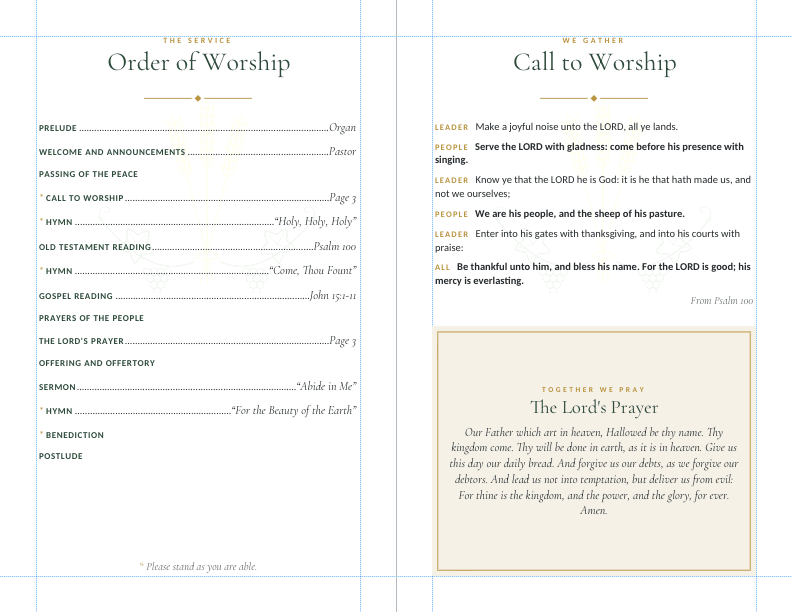
If your pages already use a master, skip the first step. Click View > Master Page to open it, and add the picture there. For more, see How do I use master pages?.
If it still looks wrong
Section titled “If it still looks wrong”The watermark doesn’t show on some pages
Section titled “The watermark doesn’t show on some pages”Those pages use another master, or none. Repeat step 5, or see How do I use master pages?.
I can’t click the watermark
Section titled “I can’t click the watermark”It’s on the master page. Click View > Master Page to change or delete it.
I want to fade a shape, not a picture
Section titled “I want to fade a shape, not a picture”Shapes have their own setting. See Make a shape transparent.