
How do I install PubKeep?
Installing PubKeep takes about a minute. Keep the email with your license key open, because you’ll use it to download PubKeep and again to activate it.
For a short video and pictures of every step, see the install guide on our website.
On Windows
Section titled “On Windows”The easiest way is the Microsoft Store. Open the PubKeep page in the Microsoft Store, click “Get”, and Windows installs it for you with no warnings to click through.
If your computer can’t use the Microsoft Store (some work computers block it), use the installer instead:
- In your license key email, click “Download the Windows installer”. Your browser saves the file to your Downloads folder.
- Open your Downloads folder and double-click the file whose name starts with PubKeep and ends in Setup.exe.
- If a blue box says “Windows protected your PC”, click “More info”, check that it says Saint Systems, LLC, then click “Run anyway”. This is normal for new apps. See Windows warnings when you install for more.
- In the PubKeep Setup window, keep the folder it suggests and click “Install”. You don’t need an administrator password.
- Leave “Run PubKeep” checked and click “Finish”.
On a Mac
Section titled “On a Mac”- In your license key email, click “Download for Mac”.
- Open your Downloads folder and double-click the file whose name starts with PubKeep and ends in .dmg.
- In the window that opens, drag the PubKeep icon onto the Applications folder.
- Open your Applications folder and double-click PubKeep. Open it from Applications, not from the .dmg window, so it stays installed.
- If your Mac asks whether you’re sure you want to open an app from the internet, click “Open”.
Then paste your license key
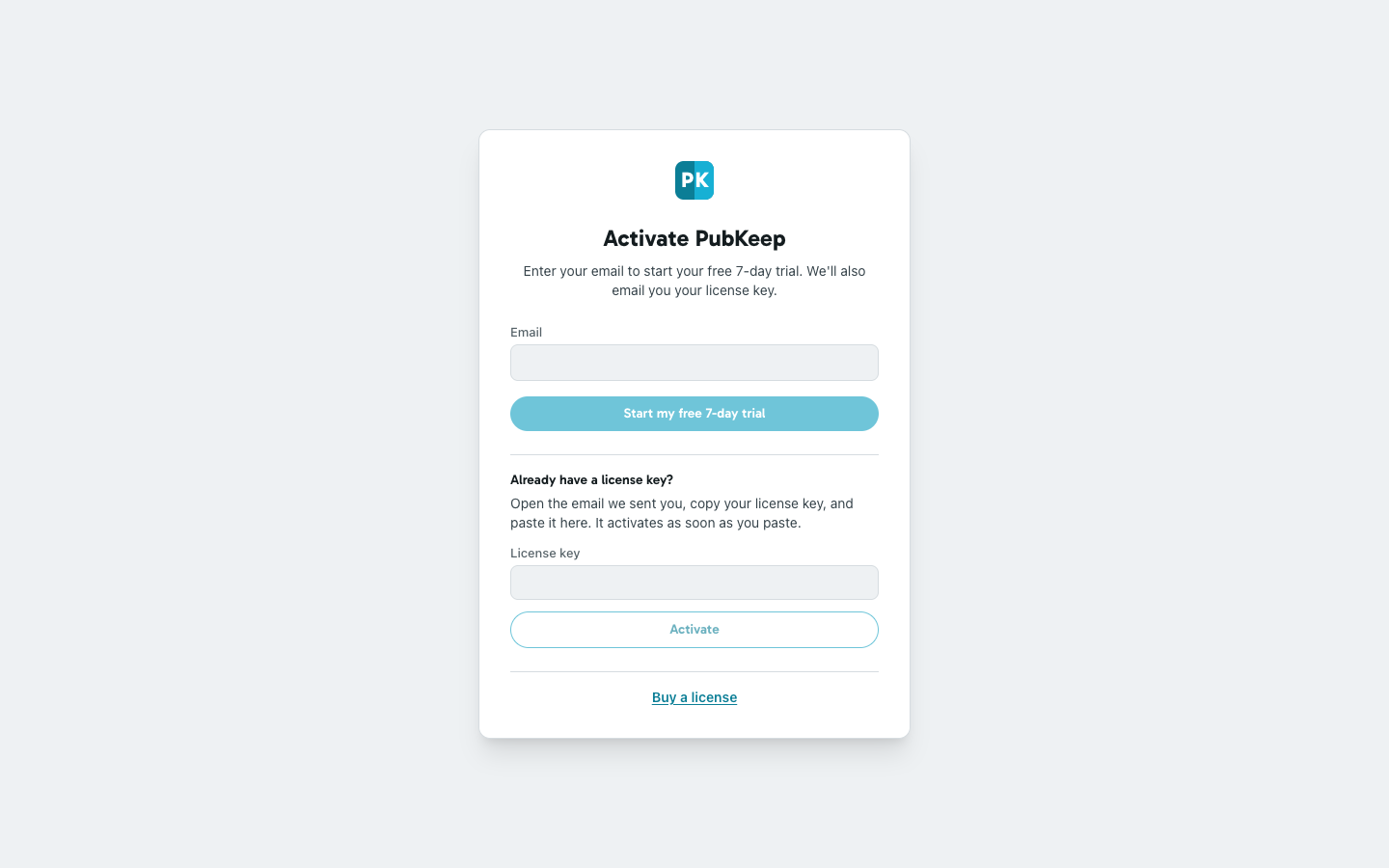
Section titled “Then paste your license key”The first time PubKeep opens, it shows Activate PubKeep. Copy the license key from your email and paste it into the License key box. It activates as soon as you paste. For more help, see Enter your license key.
If it still doesn’t work
Section titled “If it still doesn’t work”My antivirus deleted PubKeep or my shortcut stopped working
Section titled “My antivirus deleted PubKeep or my shortcut stopped working”Some antivirus programs set new apps aside until they learn they’re safe. Your files and license are fine. See Windows warnings when you install.
I can’t find my license key email
Section titled “I can’t find my license key email”Search your email for “PubKeep”, and check your spam or junk folder. If it isn’t there, write to hello@pubkeep.com and we’ll send it again.
Once you’re in, see Open a Publisher file.