Goodbye Publisher. Hello PubKeep.
Open and edit your Publisher .pub files on Windows and Mac.
Microsoft dropped Publisher on October 1. PubKeep opens your .pub files as you made them, with nothing to convert and nothing new to learn.
Founder price $99 ends October 31. Then $149.
Pay once. 30-day refund.

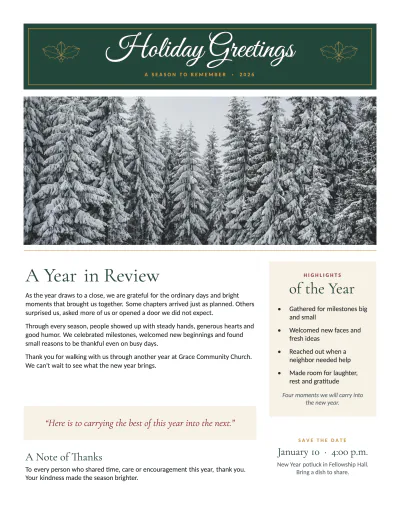
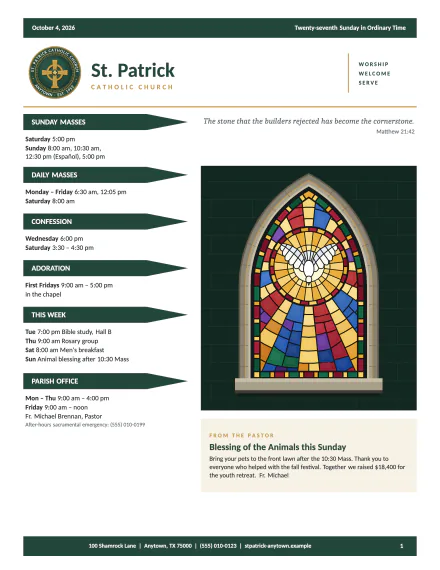

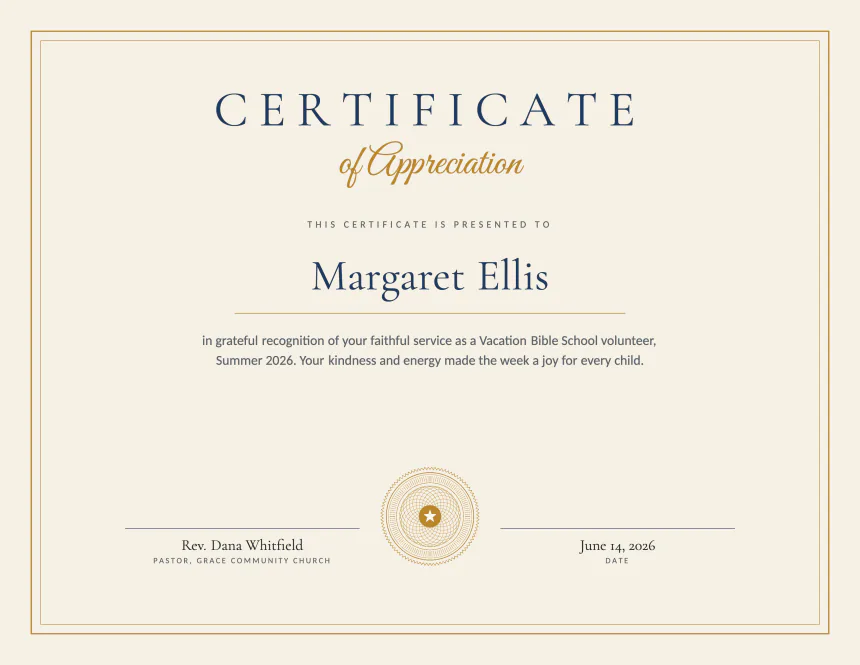
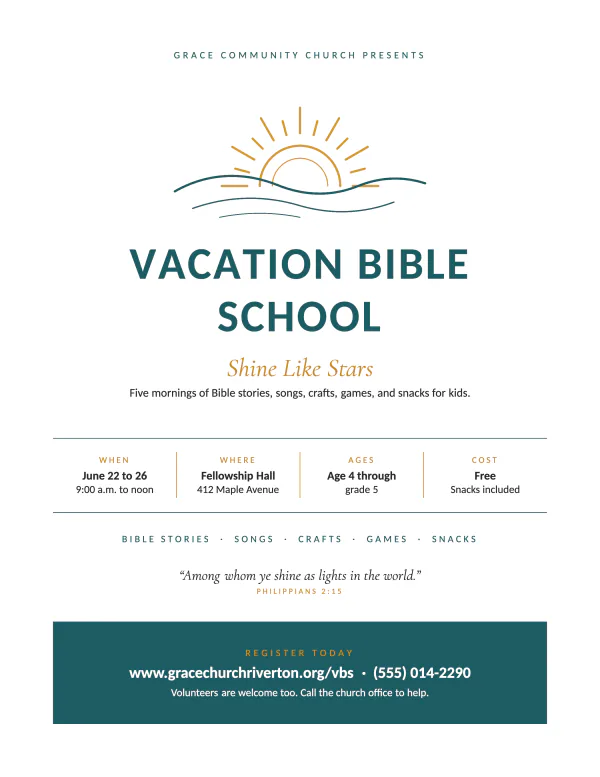
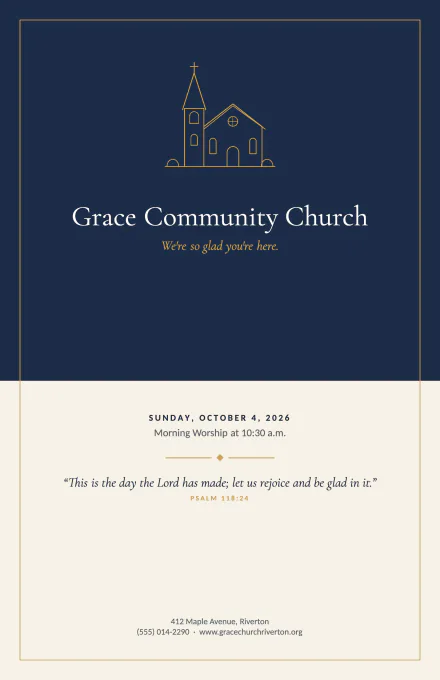
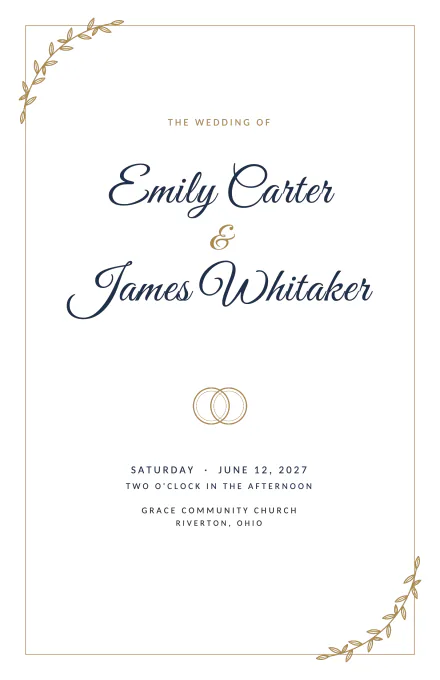

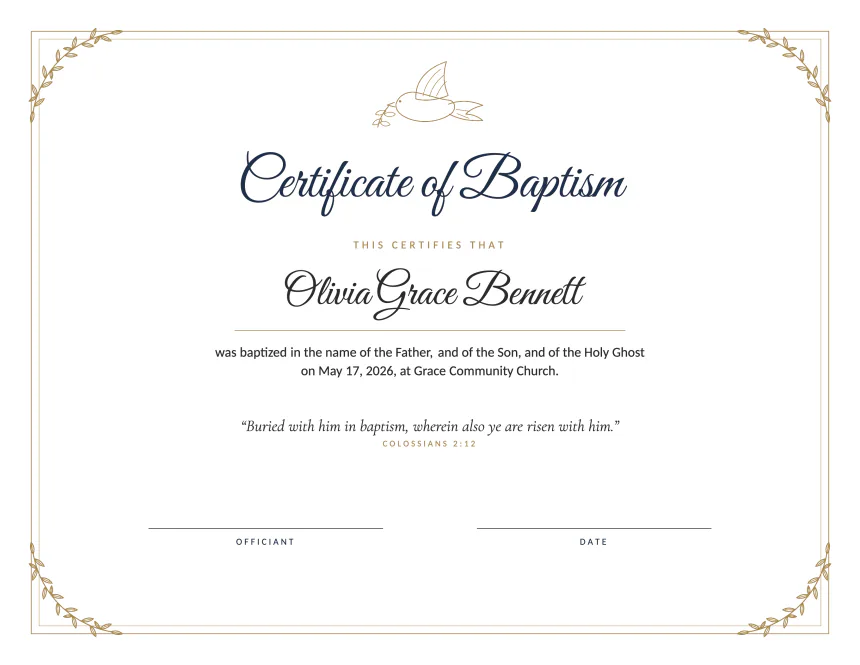
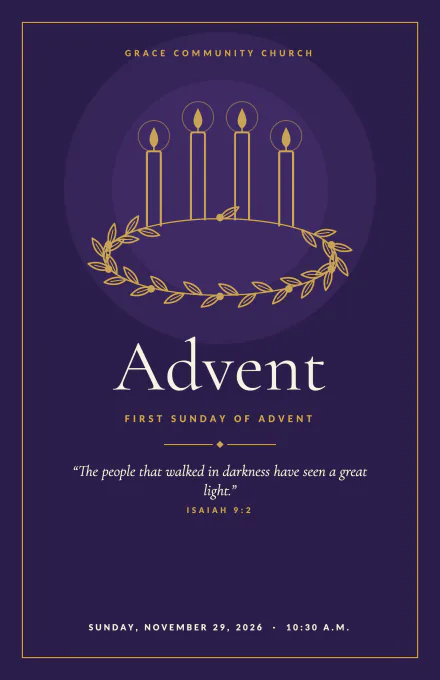
You're in good company.
3,145+ organizations have signed up for PubKeep
1,650+
churches
640+
nonprofits
535+
businesses
160+
schools
200+
joined in the last 24 hours
Made for Publisher users
It works the way Publisher did.
Feel at home
The same ribbon and menus you know from Publisher, so there’s nothing new to learn. Available in 8 languages.
Built-in templates
Newsletters, flyers, calendars, programs and more. We add new ones regularly.
Buy once
A one-time purchase with no subscription. The version you buy is yours to keep.
A real person answers
Write to hello@pubkeep.com or use Report an issue in the app, and someone on the PubKeep team writes back.
From PubKeep users
People are already keeping their work.
“Today I finished creating our newsletter with it, and the skies opened up and angels sang! Seriously, PubKeep is intuitive and super easy to use.”
“I’ve served as a pastor for 35 years and relied on Publisher for years for bulletins, newsletters and more. To be able to access the hundreds of files I created in Publisher is truly a blessing. Well done PubKeep!”
“I was greatly distressed at the prospect of losing the thousands of Microsoft Publisher files I’ve created over the past 30 years. PubKeep is a better solution than I even dared hope for.”
“Having used PubKeep for a few days, I can say that it is much more intuitive than Publisher.”
“It is awesome; it works; the differences are easily learned and navigated; and I’m thrilled. I’m a senior citizen also, so a huge learning curve with a new program/app was not something I was looking forward to.”
“I was devastated when Microsoft discontinued Publisher because all of our church bulletins and flyers were created with it. PubKeep is by far the best solution I have found, and combined with their spectacular customer service, it made the decision easy.”
“When I printed a bulletin and it came out of the printer looking like a bulletin, I had tears in my eyes. The relief is amazing.”
“PubKeep saved my projects for work. Trying to learn InDesign is like learning a whole new language. Just not gonna happen!”
“I am not a tech person, and your PubKeep program is a godsend for all of us who have used Publisher for years.”
Nothing to convert
Your files are fine just as they are.
You don't need to open, re-save, or convert your .pub files. PubKeep opens them as they are, whenever you need them, next week or years from now.
PubKeep desktop
Open your .pub files again and keep editing, on your own computer.
- Opens .pub files the way Publisher did.
- Edit text boxes, master pages, and fold-over booklets.
- Runs on Windows and macOS. Buy it once.
Only need PDFs of an old archive? PubKeep Converter turns .pub files into exact PDFs. Or see how to edit a .pub file without Publisher, step by step.
October 1, 2026
What changed, and what did not.
One app went away. Your files are not going anywhere.
Microsoft 365 loses Publisher
Since October 1, 2026, a Microsoft 365 subscription can no longer install Publisher.
Older copies keep working, for now
Publisher 2016, 2019, and 2021 still open .pub files. Microsoft ends their support on October 13, 2026. Office LTSC 2024 shipped with no Publisher.
With PubKeep, you don't have to convert
Microsoft's advice is to convert your files to another format. PubKeep opens .pub files as they are, so there's nothing to do first.
Read the Microsoft noticeWhat doesn't change: your files. The .pub format has no kill switch. You lose the app that reads them, not your work, and you don't need to open or re-save each one.
Why PubKeep
Built to keep your work, not trap it.
Your files open as they are
No import step and no conversion. PubKeep opens the .pub file you already have, page for page, and you keep editing.
Private by design
PubKeep runs on your own computer. Your files stay there, with no cloud account required.
An open format you can inspect
The desktop app saves to .pubk, an open and documented format. It is a zip of JSON and your images. You can open it with any archive tool, today or in twenty years.
Buy once, keep forever
Canva Pro and Adobe InDesign are monthly or yearly subscriptions. PubKeep is a one-time purchase. The version you buy runs forever, and you keep the last update you got.

Keep your work
Keep your files. Keep your layouts. Keep publishing.
Get the desktop app that opens .pub files again, available now for a one-time $99. Or try it free for 7 days.