Comparison
PubKeep vs Canva for Publisher users.
PubKeep opens the .pub designs you already have, with the layout, fonts and pictures where they belong. Open it and feel at home: the same ribbon and menus you know from Publisher. Canva is great for quick social graphics, but it doesn't open .pub files, and it has its own editor to learn. Here is an honest comparison.
Updated October 2026
Why people pick PubKeep
Your files, and a program you already know.
Your .pub files open as they are.
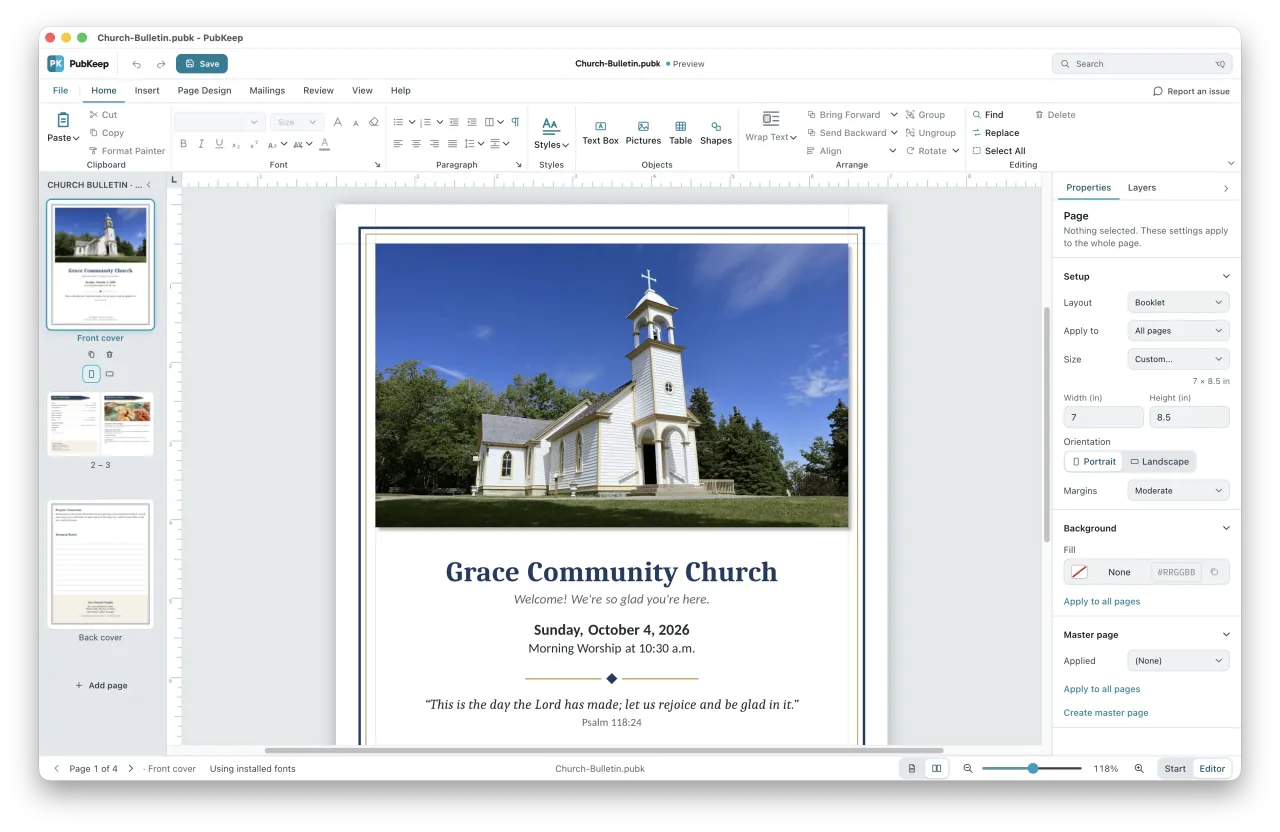
PubKeep is built to open .pub files faithfully: the layout, fonts and pictures where they belong, page for page. We check its output against Publisher's own. We built it to be the most faithful way to open your .pub files.
Open PubKeep and feel at home.
The same ribbon, tabs and menus you know from Publisher. Text boxes, pictures, master pages and mail merge are where you expect them, so there is no new program to learn. Canva has its own editor and menus, so you start over learning where everything is.
The short version
What each one is good at.
Canva runs in your browser and in apps for Windows, Mac, phones and tablets. It is great for quick social graphics, posters and simple flyers, and it makes it easy for a few people to work on the same design. It has millions of templates and a generous free plan. It does not open Publisher files, though. It imports PDF, Word and PowerPoint, so an old bulletin has to be rebuilt, and your designs live in your Canva account.
PubKeep is a desktop app for Windows and Mac made for the .pub files you already have. It opens them as they are, so the bulletin you made last year looks the way you left it. Then you keep working with the same ribbon, tabs and menus you used in Publisher: change the date, swap a photo, run a mail merge onto labels, and print or save a PDF.
Side by side
The comparison.
| Feature | PubKeep | Canva |
|---|---|---|
| What it is | A desktop app built for Publisher files | A design app in your browser, with desktop and phone apps |
| Opens your .pub files | Yes, page for page, with the layout, fonts and pictures where they belong | No. Canva imports PDF, Word and PowerPoint, not .pub |
| Feels like Publisher | Yes. Open it and feel at home: the ribbon, tabs and menus match Publisher's | No. Canva has its own editor and menus to learn |
| Templates | Built-in templates for bulletins, newsletters, programs, flyers and more | Millions of templates, many of them for Pro only |
| Bulletins and newsletters | Master pages, linked text boxes, mail merge from Excel or CSV, Avery labels, and booklet printing | Good for one-page designs. Folded print layouts with exact margins take more care |
| Where your work lives | Files on your computer, saved as .pubk, plus PDF and pictures | In your Canva account. Offline editing covers only designs you set up while online |
| Runs on | Windows and Mac | Web browser, Windows, Mac, phones and tablets |
| Cost | $99 once (Founder price through October 31, then $149). 7-day free trial | Free plan. Canva Pro is a subscription, US$144 a year for one person as of October 2026. Most Pro features are free for eligible nonprofits |
Also good to know
New designs, one purchase, two platforms.
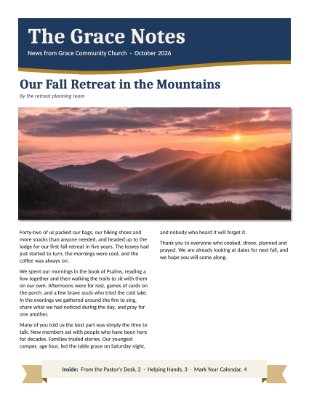
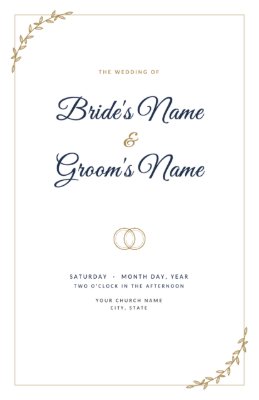
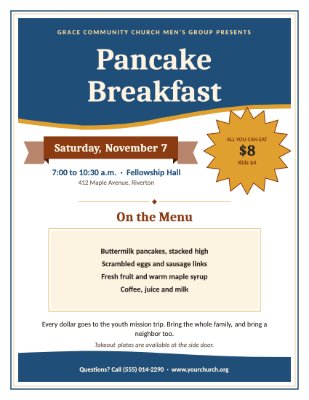
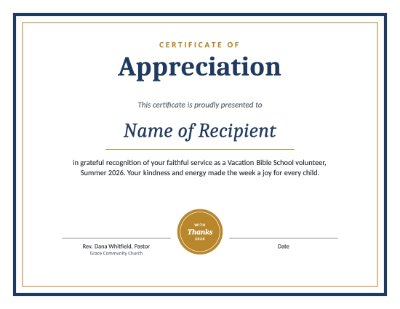
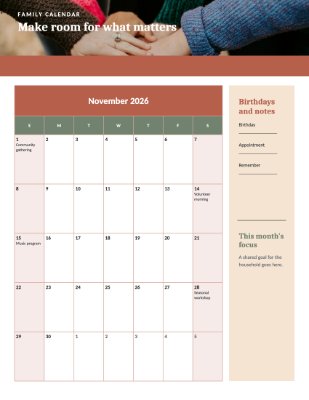
Built-in templates. Start something new from bulletins, newsletters, programs, flyers, certificates, calendars, cards and labels.
Buy once and keep it. No subscription. The version you buy keeps working, and a year of updates is included.
Windows and Mac. The same app on both, so a Mac user can finally open those Publisher files.

Help when you need it
A real person answers.
Write to hello@pubkeep.com or use Report an issue in the app, and a real person reads it and writes back. PubKeep is rated 4.7 out of 5 from 60 reviews on Trustpilot.
“I was panicked about losing all of the files I have created during my 30-year career as an educator. … I can completely attest to the authenticity of this product; moreover, the personal interaction I receive from Adam, the founder, is beyond my expectations. PubKeep is an amazing resource that has allowed me to continue using a program that I love!”
“I am a new user of PubKeep, I find it so easy to transition from MS Publisher. It opens documents and makes it editable. Also, when I’ve had questions, the support team has been quick to reply with just the right answers.”
“I am so thankful for finding your program! PubKeep has been amazing! … PubKeep has continually updated to fix any issues that have arisen, and in a timely fashion. If you used MS Publisher in the past, I strongly advise trying out PubKeep. You won’t be sorry!”
Which should you use?
Pick by what you do with your files.
Choose Canva if you mostly make new social graphics, posters or one-page flyers, you like working in a browser, and you are happy to learn a new editor. Its free plan is a good place to start.
Choose PubKeep if you have bulletins, newsletters or programs made in Publisher and you want to open them as they are and keep working the way you did.
Plenty of people use both: PubKeep for their Publisher files, and Canva for quick social posts. Try PubKeep free for 7 days with your own files, no card needed. See everything it does on the features page.
If you only need PDFs of a whole archive, PubKeep Converter turns a folder of .pub files into exact PDFs, and your first 3 files are free.
Questions
Common questions.
No. Canva imports PDF, Word, PowerPoint and several other formats, but not .pub. If you still have Publisher, you can save a file as a PDF and import that, then expect to rebuild parts of the layout. PubKeep opens the .pub file itself, with the layout, fonts and pictures where they belong.
For quick social graphics and simple flyers, Canva is a fine choice. For the bulletins, newsletters and programs you already made in Publisher, PubKeep opens them as they are and lets you keep working the way you did. Many people use both.
Canva is easy to start, but it works differently from Publisher, with its own editor and menus. PubKeep has the same ribbon, tabs and menus you know from Publisher, so you feel at home and there is no new program to learn.
Canva has a free plan. Canva Pro is a subscription, US$144 a year for one person as of October 2026. PubKeep is a one-time purchase with no subscription: $99 through October 31, then $149, with a 7-day free trial.
Only partly. Canva's offline editing covers designs you made available offline while you were connected. You can't start a new design or download one until you reconnect. PubKeep keeps your work as files on your computer.
Keep reading
Related comparisons.
PubKeep vs Affinity
A free designer's app, or the Publisher interface you know.
PubKeep vs InDesign
The professional print standard, or a one-time app that feels like Publisher.
PubKeep vs LibreOffice Draw
A free importer, or a Publisher replacement.
Microsoft Publisher alternatives
Nine options compared, for editing versus just keeping your files.
Start here
Open your .pub files and feel at home.
A one-time $99 Founder price through October 31, then $149. No subscription. No card for the 7-day trial.